Sometimes you are in a meeting or on vacation and you want neither your desk phone NOR your mobile phone to ring. There are 3 ways to easily accomplish this - from the mobile app, from the web client, or from a physical phone.
Note: Using any of these methods will turn ALL phones on your extension to Do Not Disturb (i.e. do not use this on your mobile app if you want your desk phone to continue to ring).
- 3CX Mobile app: Click the green "block" in the upper right corner, then select Do Not Disturb
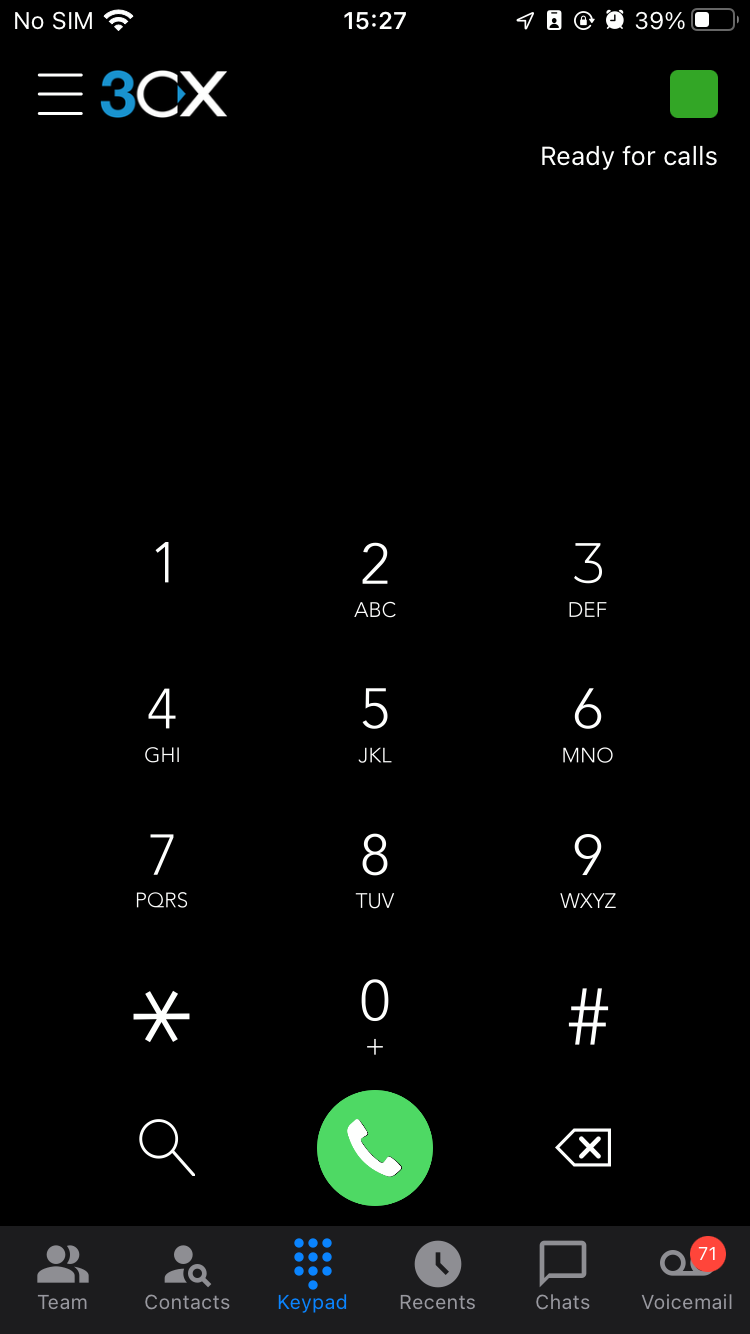
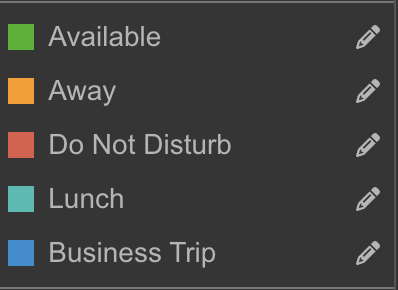
- 3CX Web Client: Once you open the web client in your browser, click the green "block" in the upper right corner next to your avatar (icon), then select Do Not Disturb:
- 3CX Physical/Desk Phone: Click the DND icon at the bottom of the display while the telephone is "hung up". Note: Not all phones have this button